
Record. Transcribe. Summarize.
Murmly turns meetings, lectures, interviews and voice notes into organized text — transcript, summary, outline and speakers — with Whisper-1. Your audio stays on your device only.
Register, verify your email and get 0.40 token free — about 1 hour of recording, transcript and summary included.
iOS · Android · macOS
Everything you need, in one tap
From recording to ready-to-use text, effortlessly.
Crystal-clear recording
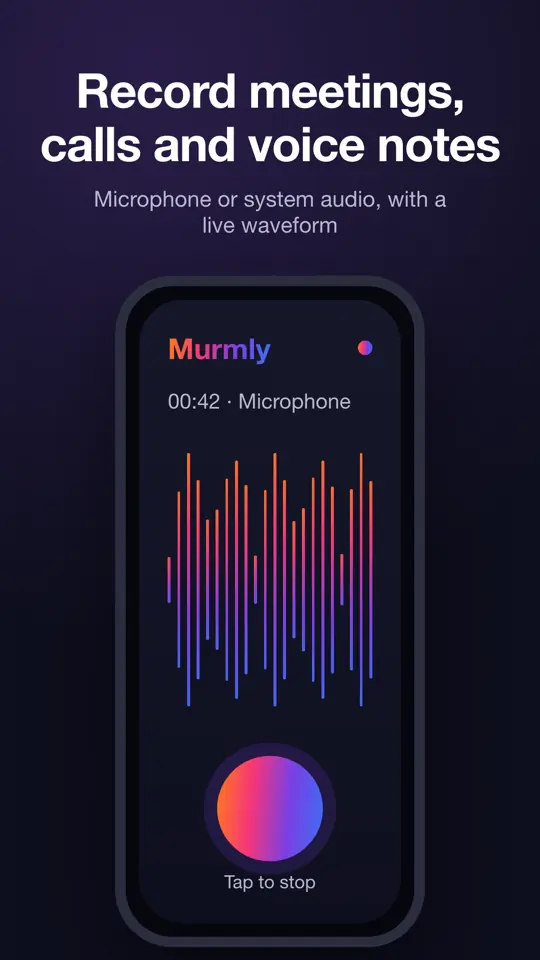
Microphone or system/call audio, with a live waveform. Recordings up to 4 hours, auto-split and stitched back together.
Automatic transcription
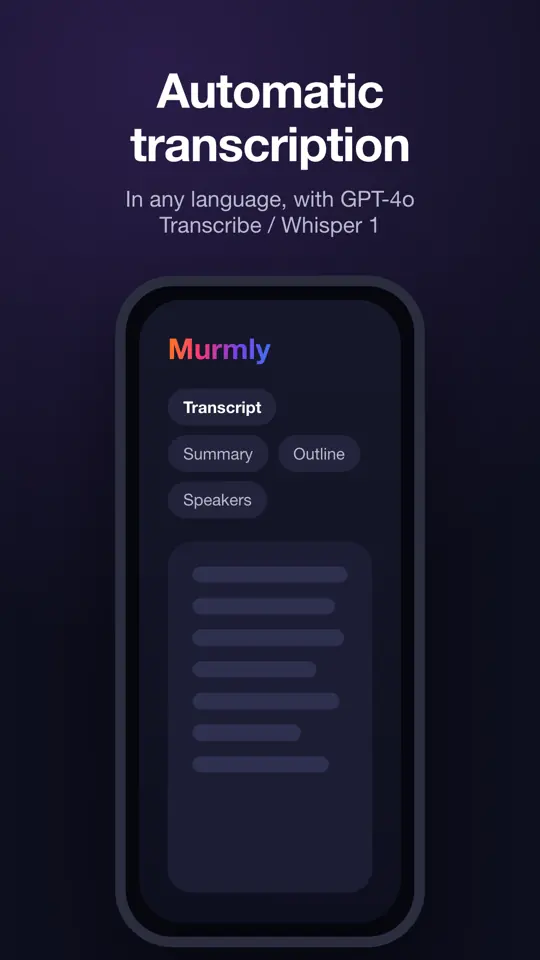
Accurate transcription with OpenAI's Whisper-1, in any language with automatic detection.
Summary & outline
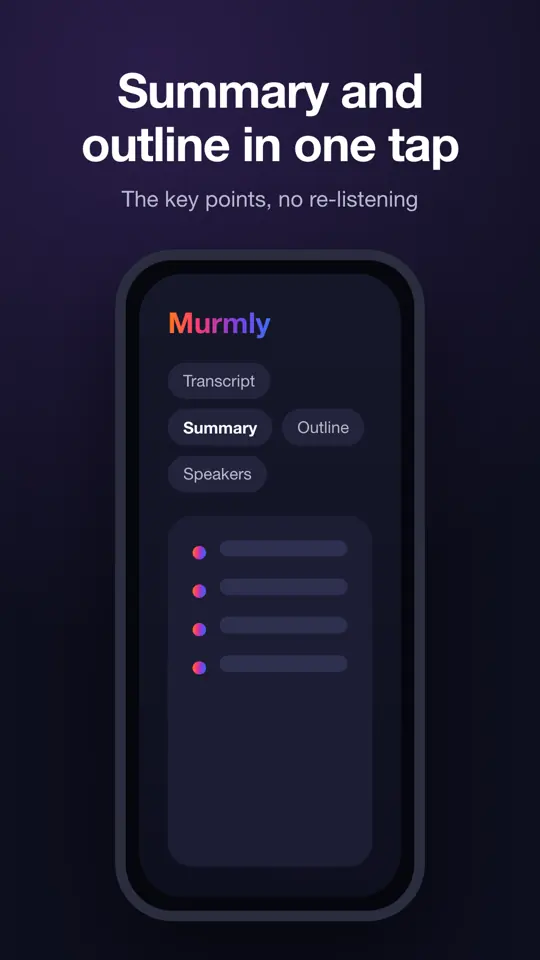
Key points and a hierarchical outline in one tap, no need to re-listen.
Speaker detection
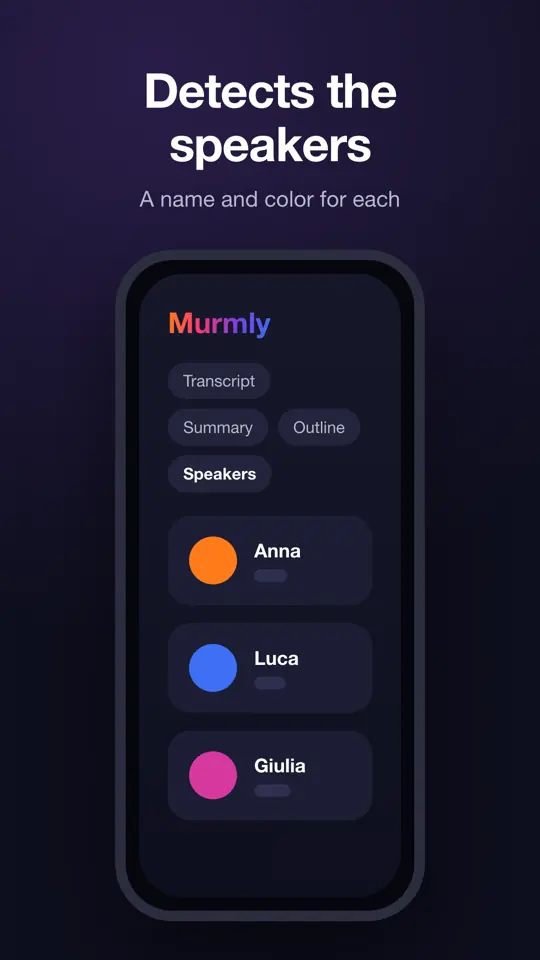
Identifies who's speaking and lets you assign a name and color to each.
Share & export
Share via email, WhatsApp, AirDrop and other apps — or copy — the text and audio file, choosing exactly what to include.
Biometric unlock
Protected access with fingerprint or face; data encrypted at rest on device.
Dictation everywhere
Speak in Murmly and the text is typed into any app on your Mac: Word, your browser, Mail, text fields on websites. Each sentence is transcribed and written right at your cursor.
How Murmly works
Three steps from your voice to a document you can actually use.
- 1
Record
Open Murmly and hit record: microphone, call or system audio, up to 4 hours in a single file, with a live waveform. From Apple Watch and Wear OS you can start a recording of up to 60 minutes that lands on your phone by itself.
- 2
Transcribe
One tap sends the audio to OpenAI's Whisper-1, which detects the language on its own and returns an accurate transcript. Long recordings are split losslessly and stitched back together: not a word is lost.
- 3
Summarize, share, export
Get a summary, a hierarchical outline and the list of speakers. Share or export text and audio by email, WhatsApp or AirDrop, or copy just the part you need.
The audio file never leaves your device: it is sent to the engine only for the seconds needed to produce the text, and it is not retained.
See Murmly in action
From recording to transcript, summary, outline and speakers — in a clean, private interface.
What people use Murmly for
Anywhere words matter and nobody has time to write them down.
Meetings and work calls
Record the meeting and walk out with minutes, decisions and action items already written, with every speaker labelled.
Lectures and studying
Record a lecture or a seminar and turn two hours of audio into notes you can revise from in minutes.
Interviews and journalism
Interviews, sources and press conferences transcribed word by word, in any language, without sending the audio to the cloud.
Sales and customer support
Keep an accurate record of what was agreed on a call and get a summary ready to paste into your CRM.
Site visits and field work
Dictate your observations while your hands are busy, on site or in the car, and find them written up when you get back.
Voice notes and ideas
Capture an idea in ten seconds of speech and get it back as clean, searchable text.
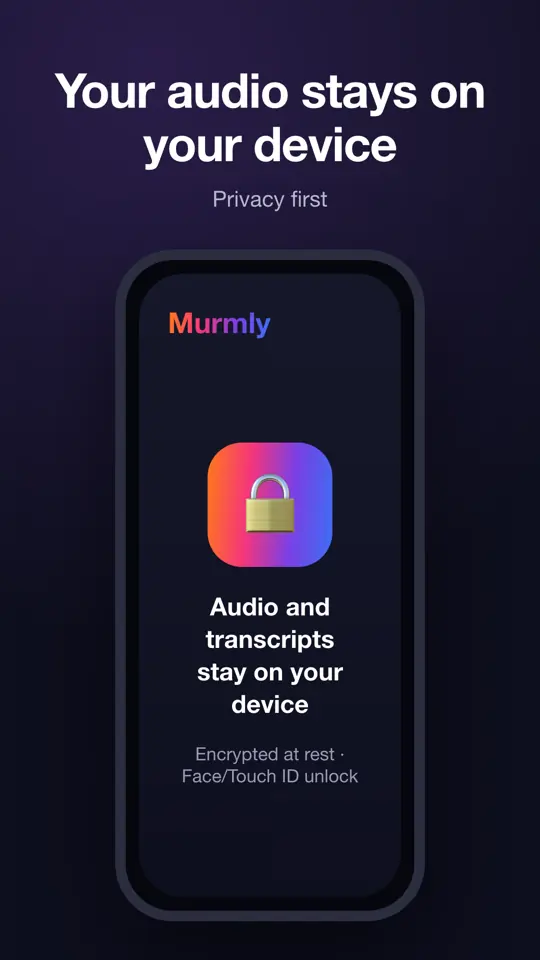
Your audio never leaves your device
The recordings you create are saved exclusively on the device you recorded them with. They're never uploaded, copied or kept anywhere else: not on servers, not in the cloud, not on our systems. During transcription the audio is sent temporarily to the engine and is not kept after the text is produced.
On your device only
Audio and transcripts stay local, accessible only to you.
Encrypted at rest
Sensitive content encrypted (AES-256) with face/fingerprint unlock.
Per-user separation
Different accounts on the same device never see each other's recordings.
No hidden tracking
No data selling. Full transparency about what happens to your audio.
Ready to start?
Download Murmly and turn your voice into organized text.
🎁 0.40 token free when you verify your email — about 1 hour of recording, transcript and summary.
Share Murmly
Need more tokens?
Recording, transcription and analysis use tokens. Top it up whenever you need, in seconds, with secure payment.
Top up tokensSecure payment with Stripe. Tokens never expire.
Frequently asked questions
Only on the device you record with. They never go to servers or the cloud. To keep a copy, use Share or Send by email.
Murmly is a paid, pay-as-you-go service: recording, transcription and analysis use tokens that you top up when you need it. When you register and verify your email we give you 0.40 token (about 1 hour of recording, transcription and analysis) to try it out. You only pay for what you use, and tokens don't expire.
Every language: the audio language is detected automatically and transcript, summary, outline and speakers are produced in that language. Whisper-1 ensures high accuracy. The app interface is available in Italian and English.
No. Audio is sent to the engine only to produce the text and is not kept after processing.
Yes, where the platform allows it. Make sure you have the right to record and to inform the people involved.
Yes: the watch records audio and sends it to your phone, where it appears in your recordings ready to transcribe. Watch recording is limited to 60 minutes, because watch operating systems suspend apps in the background and a longer recording would be cut off without warning. When the limit is reached the watch alerts you with a vibration and you get a notice on your phone. From the phone you can record up to 4 hours.
A Mac-exclusive feature: start dictation in Murmly, then click into any app — Word, your browser, Mail — and everything you say is transcribed sentence by sentence and typed right at your cursor. With the Accessibility permission the text is typed automatically; without it, each sentence goes to the clipboard and you paste it with ⌘V. On iPhone and Android the operating systems don't let one app type into another: that's why it's macOS-only.